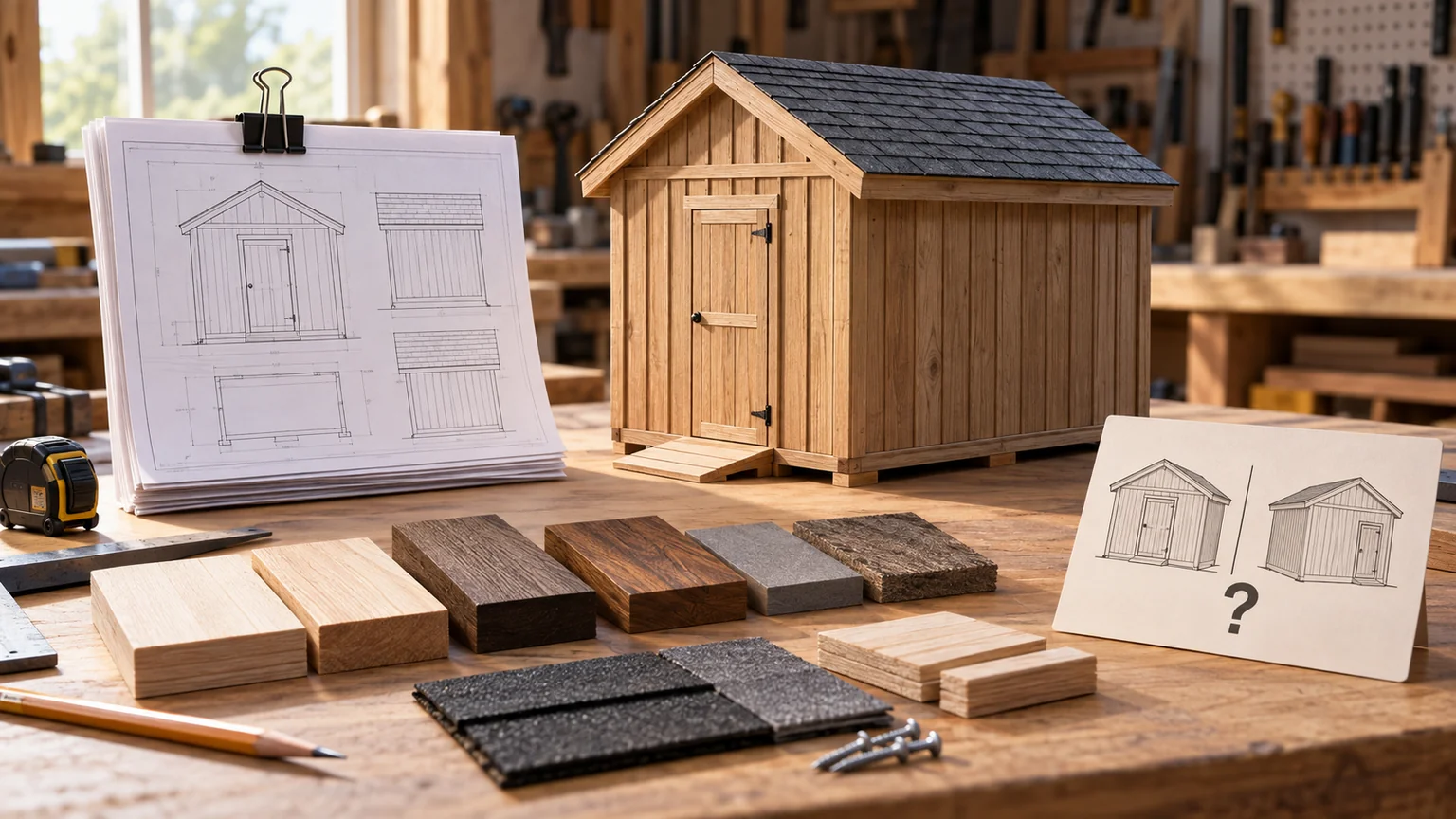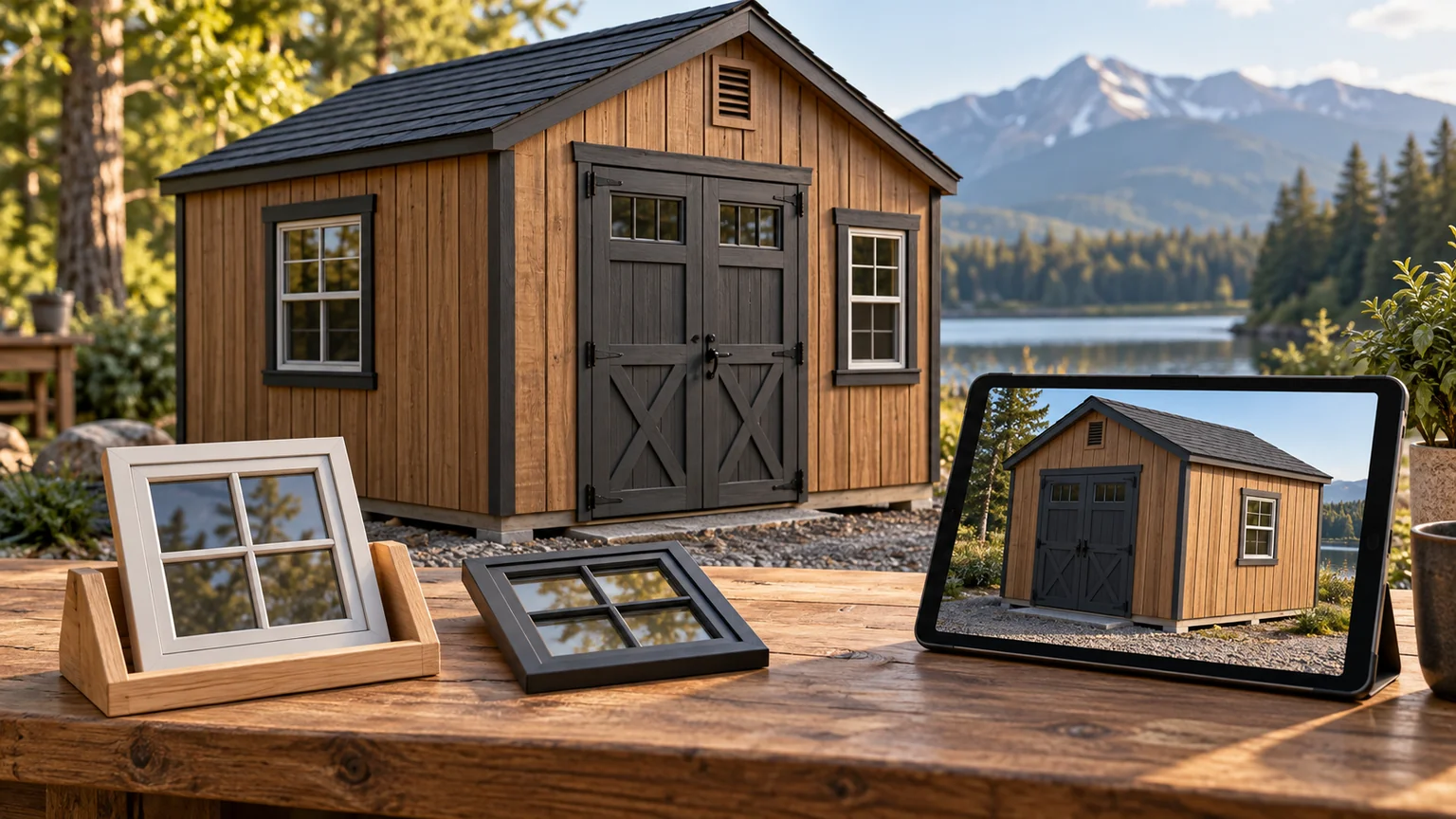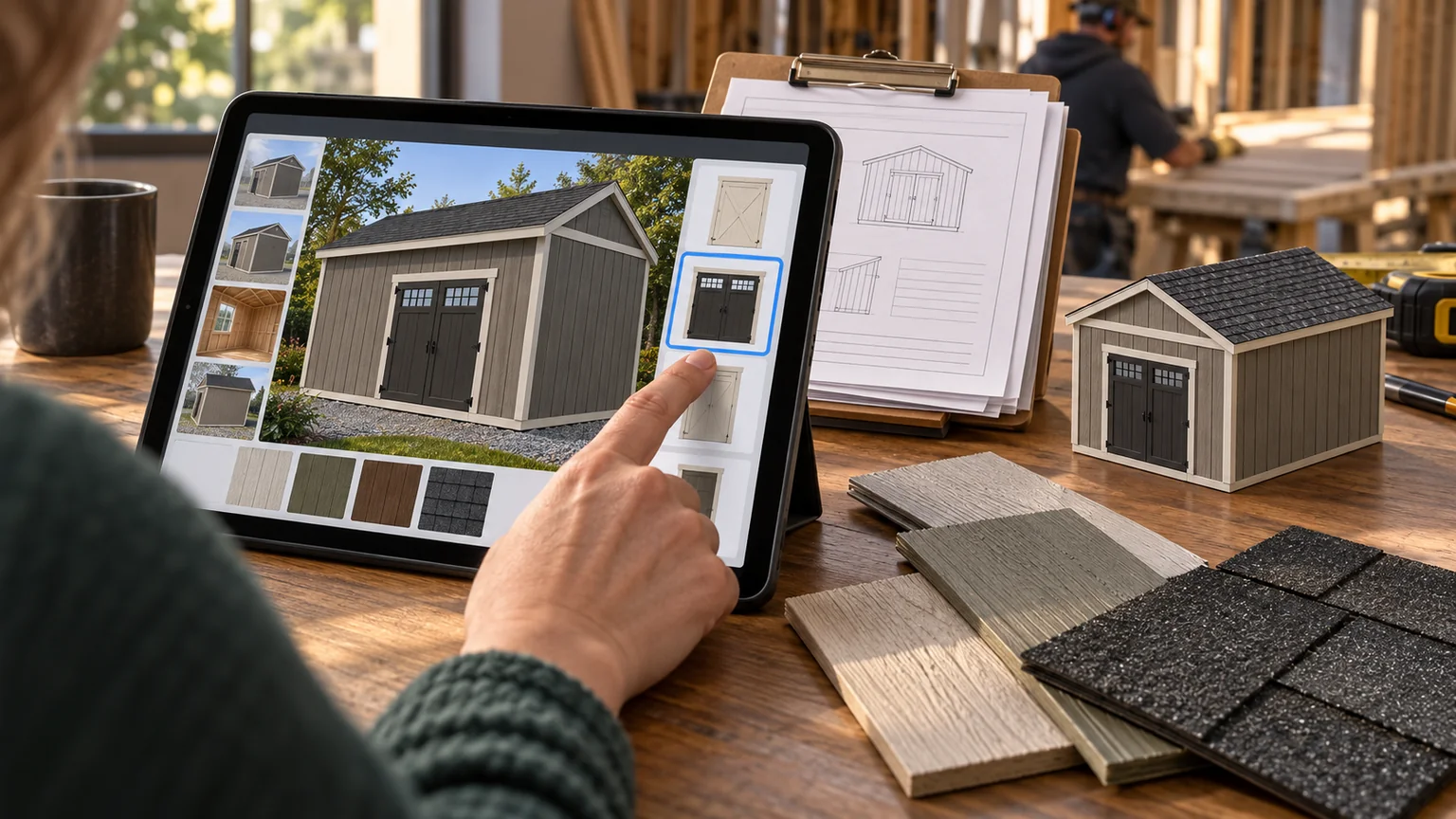
A customer has picked a shed, but the conversation is still going in circles. They want the door on the long wall. Their mower needs a wider opening. They like a color from a different model. Every answer creates another request for a picture.
A useful configurator brings those decisions into one place. The customer can see the options, understand the price, and send the dealer a design that contains enough information to discuss seriously. That is the job to evaluate before choosing a platform.
There is no reliable, universal promise that adding 3D will double a shed company’s sales. The outcome depends on the product range, traffic, pricing, delivery process, and sales team. A better question is specific: which uncertainty does this tool remove, and can we measure the result?
Start with the questions your salespeople answer
Listen to a week’s worth of quote conversations. Write down the questions that cause a pause, a callback, or a revised drawing. These are the best candidates for your first version.
For a shed dealer, the list might include whether a riding mower fits through the door, how a window changes the usable shelving wall, what is included in the base price, or whether the delivery route can accommodate the building. A rotating model helps with some of these. Dimensions, product rules, and a clear delivery conversation handle the rest.
Keep actual photographs in the experience. Customers still need to see the quality of real buildings: a corner detail, a finished interior, or the way a roof meets the wall. Renderings explain the possible configuration. Photographs document the work you have delivered.
Give the customer a dependable product
The configuration has to agree with the product catalog. If a door cannot be installed at a particular location, the interface should explain that constraint before the customer saves the design. If changing the width requires a different floor or roof package, the system should include that consequence.
The most important parts of a dependable experience are straightforward:
| Customer decision | What the interface needs to show |
|---|---|
| Size | Exterior dimensions, useful interior dimensions, and measurement conventions |
| Openings | Door and window sizes, valid locations, and clearance considerations |
| Finish | A useful visual sample, with a reminder that screens affect color appearance |
| Options | What each option adds, removes, or requires |
| Price | Base price, selected options, and which charges still need confirmation |
| Delivery | The information needed for a site review and the next step |
An attractive image cannot compensate for an inaccurate specification. Treat the saved configuration as a product record with a version, not as a screenshot attached to an email.
Make the quote’s boundaries visible
The number on the screen should have a clear meaning. Is it a product price, an estimate including delivery, or a binding offer? Does it include installation, tax, site preparation, and permits? If a charge depends on location or inspection, say so next to the estimate.
The same principle applies inside the business. Keep one pricing source and record which price version produced each quote. If the catalog changes, a salesperson should be able to explain the difference between yesterday’s estimate and today’s offer.
Let customers revise a saved design without losing the original. That gives the conversation a useful history: the initial idea, the alternative the dealer suggested, and the configuration the customer accepted.
Run a pilot with a fair comparison
Choose a manageable product family and a defined evaluation period. Before the pilot begins, agree on what counts as a qualified lead and what counts as an order. A person who opens the viewer is not equivalent to a customer who places a deposit.
Track the journey in separate steps: visitors who start a design, saved configurations, submitted inquiries, qualified opportunities, quotes, and completed orders. Include the time staff spend correcting specifications. A tool that produces more inquiries but doubles cleanup work may be moving effort rather than improving the process.
Where traffic allows, compare similar customers over the same period. If you compare one season with another, note changes in advertising, prices, inventory, and staffing. The point is to learn what happened in your business without attributing every change to the configurator.
Evaluate the economics using contribution
Revenue is not the same as money available to pay for software. Work with the contribution from an additional completed order after its variable costs, then compare that with subscription, implementation, catalog upkeep, and staff costs.
For example, a hypothetical system costing $300 a month would need $300 in additional monthly contribution to cover that subscription alone. If a hypothetical extra order contributes $600, half an additional order per month is the subscription break-even average. Setup and maintenance would increase the amount to recover. These are example inputs, not industry benchmarks.
Also look for benefits that do not immediately appear as new orders: fewer unclear handoffs, faster revisions, and a better record of what was agreed. Measure them separately so they do not become a catch-all explanation for an expensive purchase.
Test the handoff before the launch
Ask a salesperson, a production planner, and a delivery coordinator to follow the same sample order. Can each person find what they need? Does the configuration identify the product, options, dimensions, revision, and outstanding questions? Can someone recover it if the customer loses the link?
Then test the experience on an ordinary phone, with a slower connection, using only touch and then only a keyboard. Provide a useful path when 3D cannot load. A customer should still be able to read dimensions and request a review.
Start with one product family, one dependable quote flow, and one clear measurement plan. Expand when the saved designs reach the shop and the delivery team with fewer unanswered questions. That is where a configurator starts earning its place.
Continue with the delivery survey and a barndominium design brief.
Keep a good idea close.
Follow ForgeWorks